GIFアニメーション
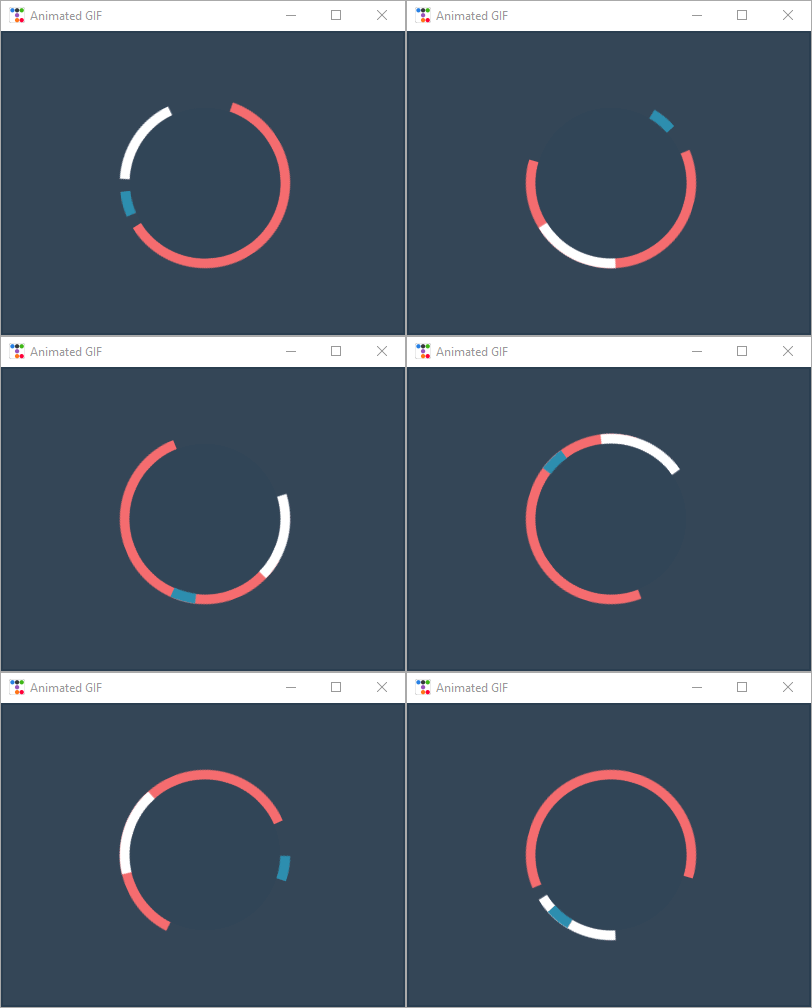
この例では、画像のリストからラベル画像の更新をスケジュールすることで、 ウィンドウがユーザー入力に反応し続けるようにしつつ、 ウィンドウ内でGIFアニメーションを表示する方法を示します。
# https://dribbble.com/shots/1237618--Gif-Spinner
from pathlib import Path
from itertools import cycle
import ttkbootstrap as ttk
from ttkbootstrap.constants import *
from PIL import Image, ImageTk, ImageSequence


class AnimatedGif(ttk.Frame):
    def __init__(self, master):
        super().__init__(master, width=400, height=300)

        # GIFを開き、サイクルイテレータを作成する
        file_path = Path(__file__).parent / "assets/spinners.gif"
        with Image.open(file_path) as im:
            # シーケンスを作成する
            sequence = ImageSequence.Iterator(im)
            images = [ImageTk.PhotoImage(s) for s in sequence]
            self.image_cycle = cycle(images)

            # 各フレームの長さ
            self.framerate = im.info["duration"]

        self.img_container = ttk.Label(self, image=next(self.image_cycle))
        self.img_container.pack(fill="both", expand="yes")
        self.after(self.framerate, self.next_frame)

    def next_frame(self):
        """各フレームの画像を更新する"""
        self.img_container.configure(image=next(self.image_cycle))
        self.after(self.framerate, self.next_frame)


if __name__ == "__main__":

    app = ttk.Window("Animated GIF", themename="superhero")

    gif = AnimatedGif(app)
    gif.pack(fill=BOTH, expand=YES)

    app.mainloop()